 OpenTime
Your free time, inside a link.
OpenTime reads your calendars on your iPhone and turns the gaps into a link. They tap the time that suits them. No server ever sees your week.

Pick-a-time links arrive in version 2.1. $0.99, once.
Try it with a made-up week
Tap a time to take it out of the link. Watch the link change: the times live inside it.
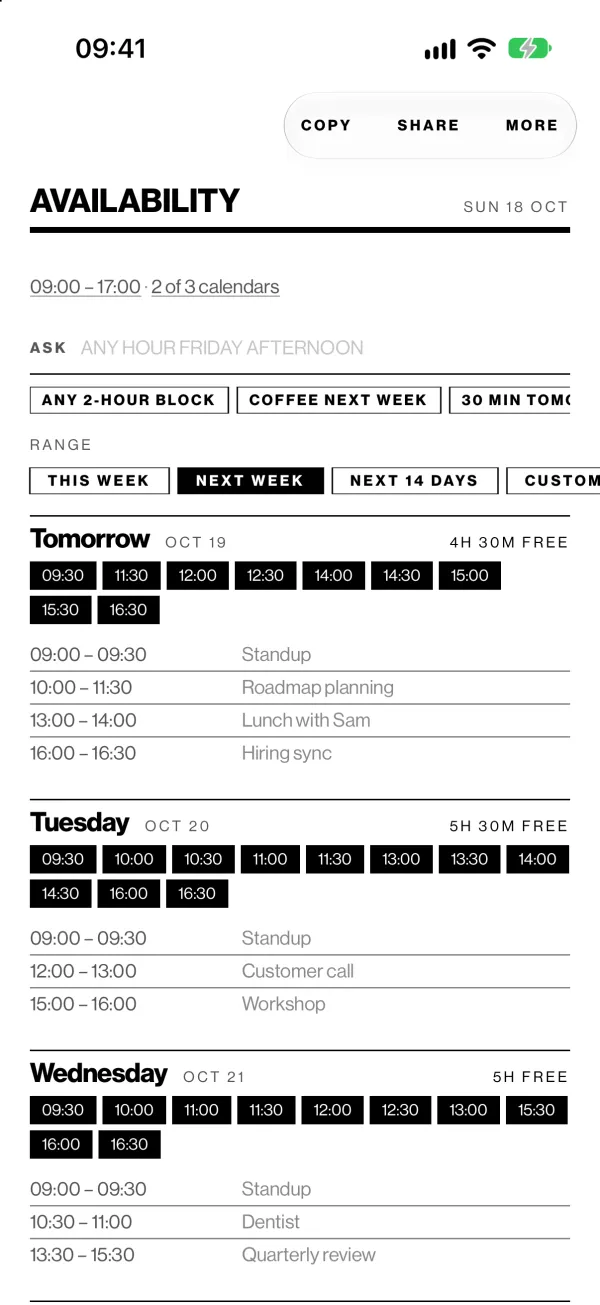
Your week, as free time.
Open the app and the gaps are already worked out: every free half hour between your meetings, inside your working hours, from the calendars that count.
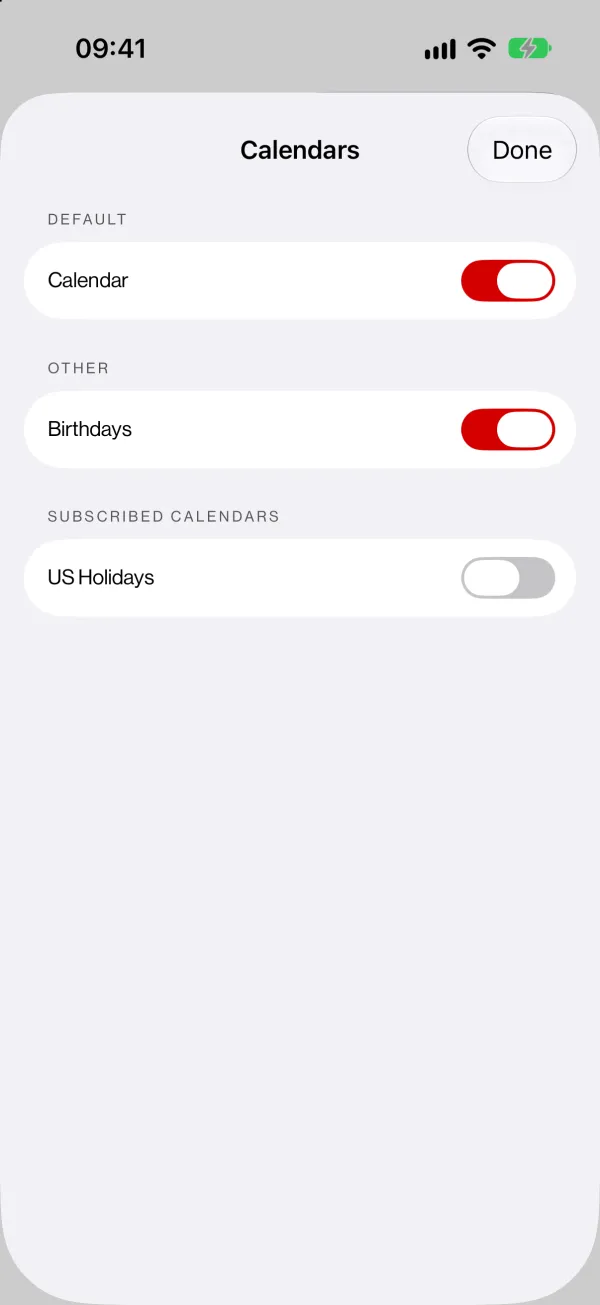
Only the calendars that countLeave out holidays, a partner's shared calendar or the kids' sports. Declined invites and events marked Free never count against you.
Ask in plain wordsType "tomorrow afternoon for 30 min" and Apple Intelligence finds it on your device, so the question never leaves it.
Act on a timePress and hold a time to create an event there, open it in Calendar or copy it.
Send a link. They pick.
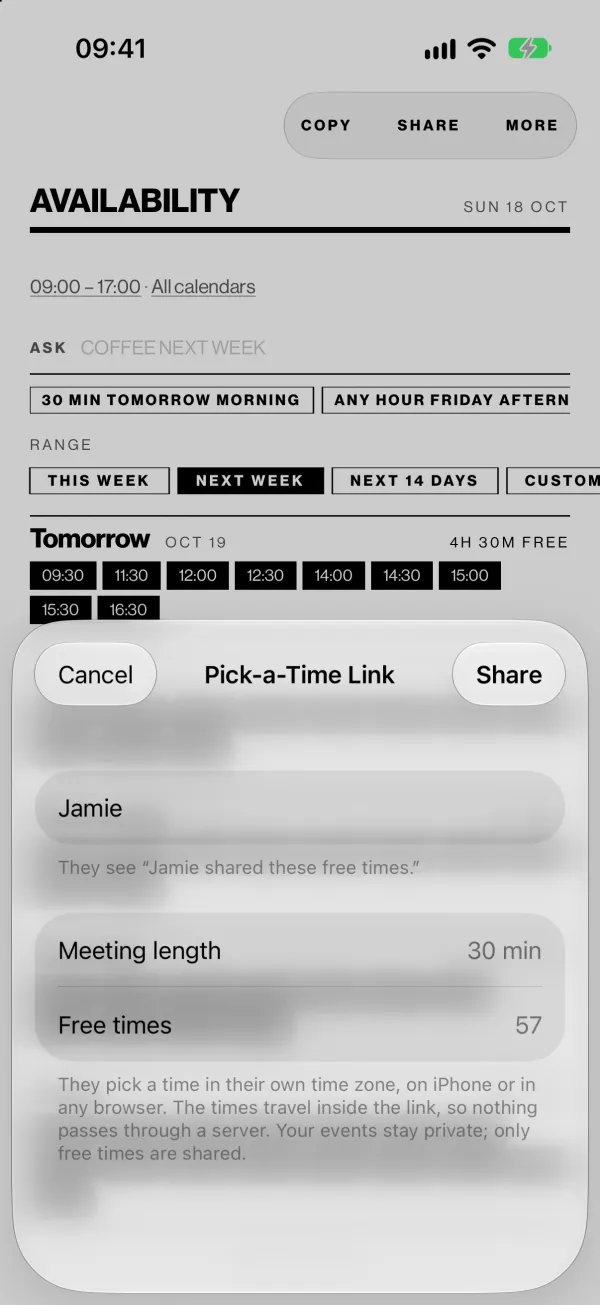
Instead of pasting a list of times into a message, send one link. On iPhone it opens straight away as an App Clip, with nothing to install. Anywhere else it opens in the browser.
Ask your assistant for one
Add https://lulls.app/mcp to Claude or any assistant that supports MCP. It can turn free time it already knows into a pick-a-time link, or read one someone sent you. It stores nothing and never sees a calendar.
Wherever you check the time.
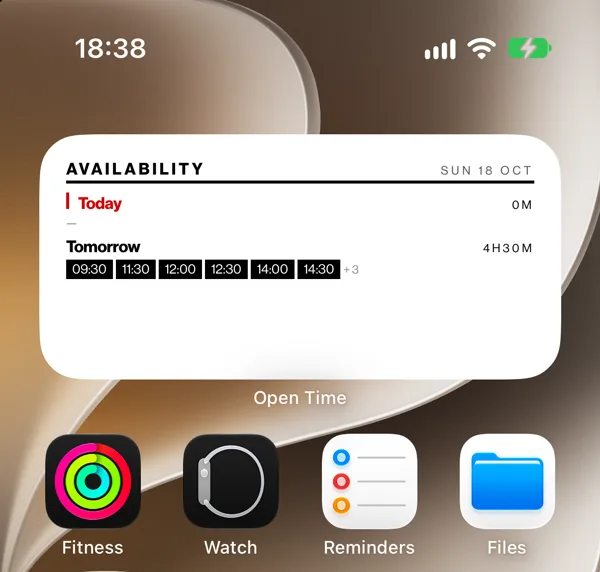
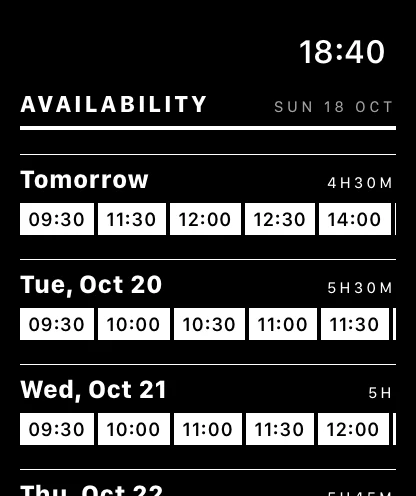
Home Screen widgetsThe next free stretch, one glance away. Tap a time to jump into the app.
Live ActivityFree or busy right now, on the Lock Screen and in the Dynamic Island.
MessagesPick days without leaving the conversation, and send them as text or a link.
Siri and Shortcuts"When am I free in Open Time" works hands-free.
Apple WatchYour next five weekdays on your wrist.
Any appThe share sheet drops clean, readable times into Mail, Slack or Notes.
Your calendar is read on your phone and stays there.
No account, no analytics, no tracking and no network connections from the app. A pick-a-time link carries only the free times you chose, inside the link itself. Read the privacy policy.
Questions people ask.
- Does it work with Google Calendar or Outlook?
- Yes, if those accounts are set up in the iPhone's Calendar app. OpenTime reads them through Apple's EventKit and never talks to Google or Microsoft itself.
- Do I need Apple Intelligence?
- Only for typing questions in plain words. Everything else works on any supported iPhone.
- Does it book meetings?
- No. A pick-a-time link lets them choose a time and reply or add it to their calendar. OpenTime does not hold the time for you, and there is no account or booking page to manage.
- What does it cost?
- $0.99, once. No subscription and no in-app purchases.
- What do I need?
- iOS 26.2 or later on iPhone, iPadOS 26.2 or later on iPad, and watchOS 10 or later on Apple Watch.